Google Sheets & Docs Automation
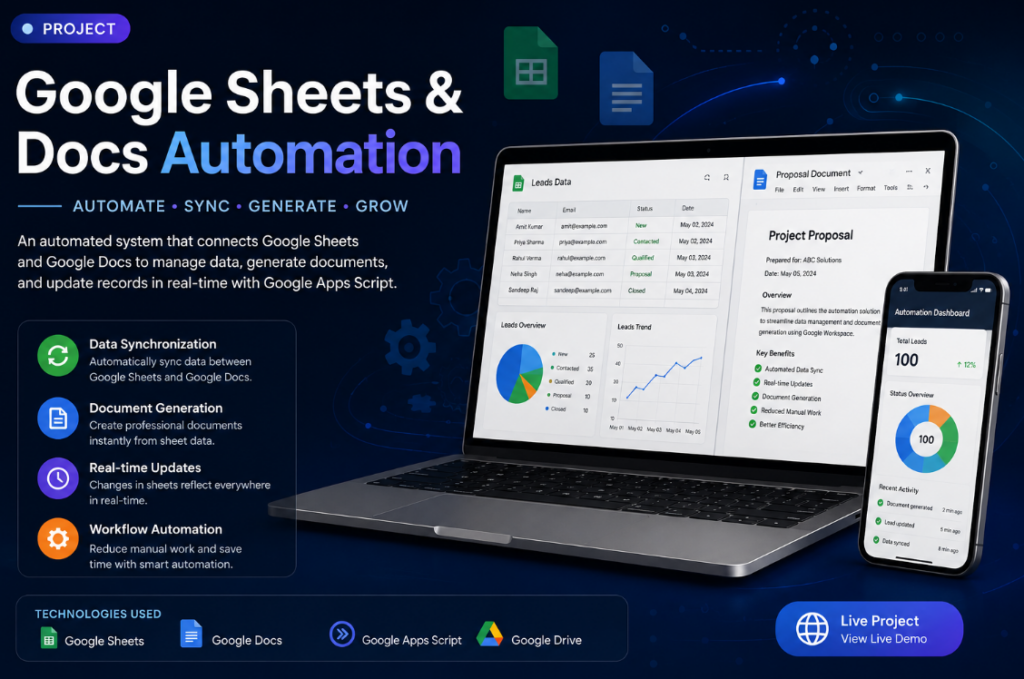
Project Description
Maths, Reasoning & English Question Management Automation
I developed an automated question-management system using Google Apps Script, Google Docs, and Google Sheets. The system is designed to manage questions for Maths, Reasoning, and English in separate subject-wise documents and spreadsheet tabs.
Questions added to the respective Google Docs are automatically identified using their question IDs, such as M001/M002 for Maths, R001/R002 for Reasoning, and E001/E002 for English, and synchronized with the appropriate Google Sheet.
The system automatically extracts the question information, adds new questions to the correct subject sheet, maintains question IDs and descriptions, and creates an OPEN QUESTION link back to the original Google Doc.
What I Did
- Created separate Maths, Reasoning, and English question management workflows.
- Connected individual Google Docs with their corresponding Google Sheets.
- Developed Google Apps Script to automate the synchronization.
- Created logic to identify question IDs such as
M003,M004,M005, etc. - Automatically detected newly added questions.
- Automatically added new questions to the correct subject sheet.
- Prevented duplicate questions from being added.
- Extracted the question description from the Google Docs.
- Added OPEN QUESTION links back to the original document.
- Added default question status such as Draft.
- Created subject-wise organization so Maths questions go to Maths, Reasoning to Reasoning, and English to English.
- Updated the script to recognize different question formats such as
M005.,M005 -, andM005).
Technologies Used
Google Apps Script · Google Docs · Google Sheets · Google Workspace · JavaScript
My RoleAutomation Developer
Tools & TechnologiesGoogle Apps Script, Google Sheets, Google Docs
Key Features
- Automatic data synchronization
- Document generation
- Automated updates
- Workflow automation
🎥 Project Video
Video URLhttps://www.youtube.com/watch?v=...